
How to troubleshoot Scoreduino Cricket Scoreboard

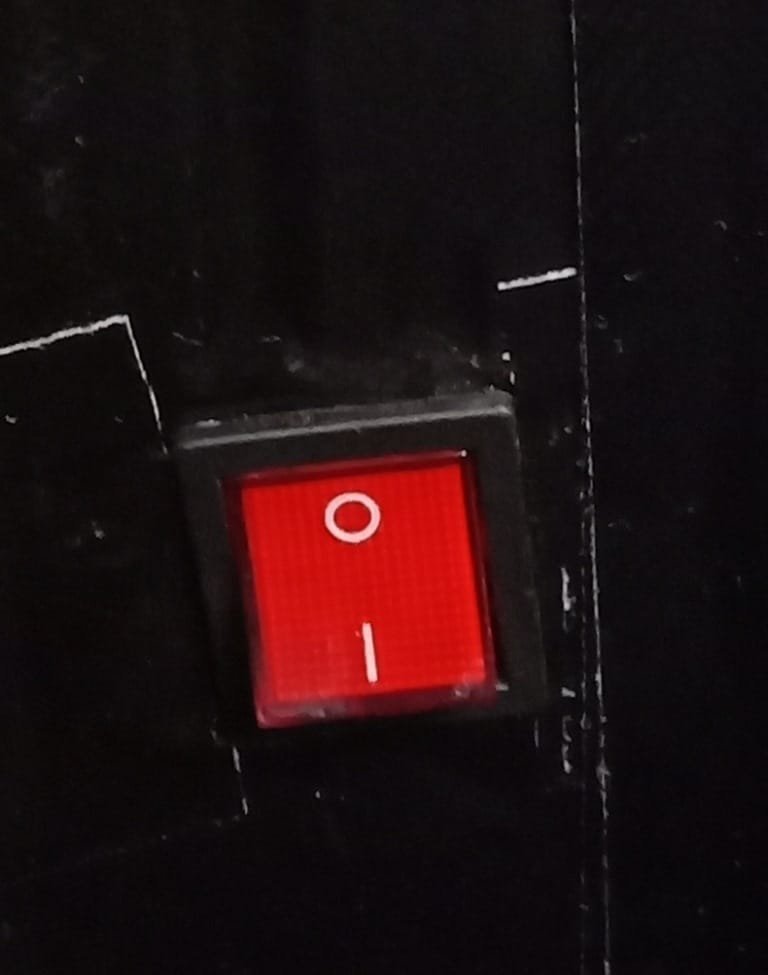
On

Turn off the Scoreboard and turn it back again.
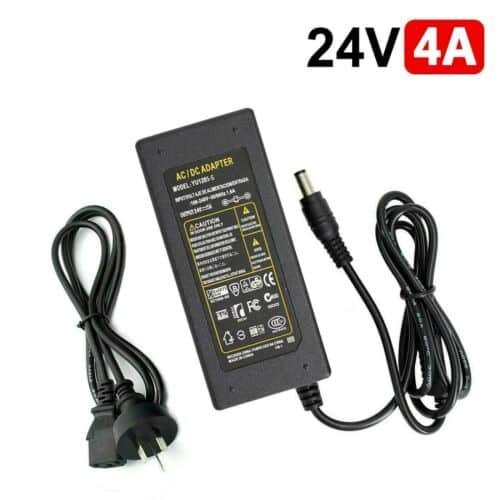
REPLACE THE POWER ADAPTER. It should be replaced after each inning. Each club gets 2 sets of power supply adapters.
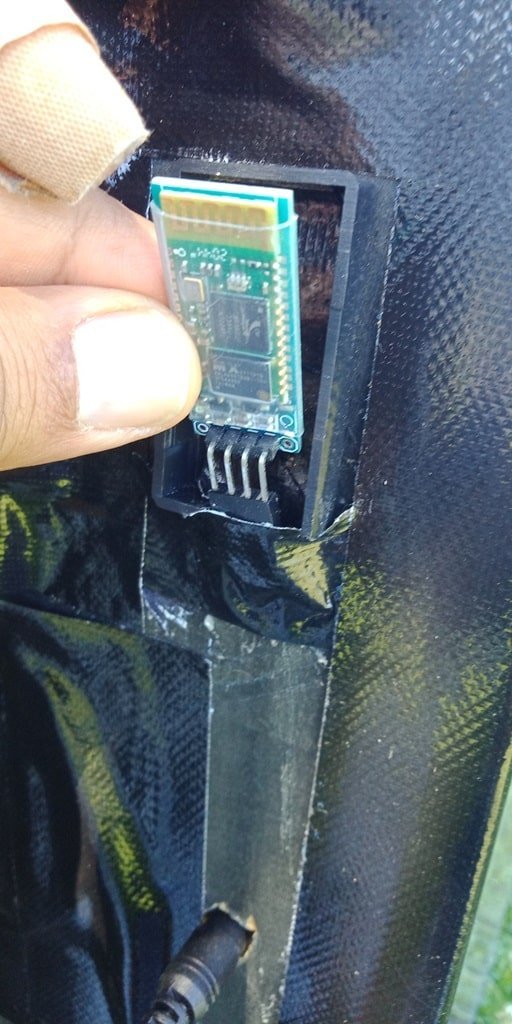
CHECK THE BLUETOOTH MODULE. If the RED LED is not flashing, you NEED TO REPLACE IT. After replacing the Bluetooth module, YOU NEED TO PAIR IT AGAIN.
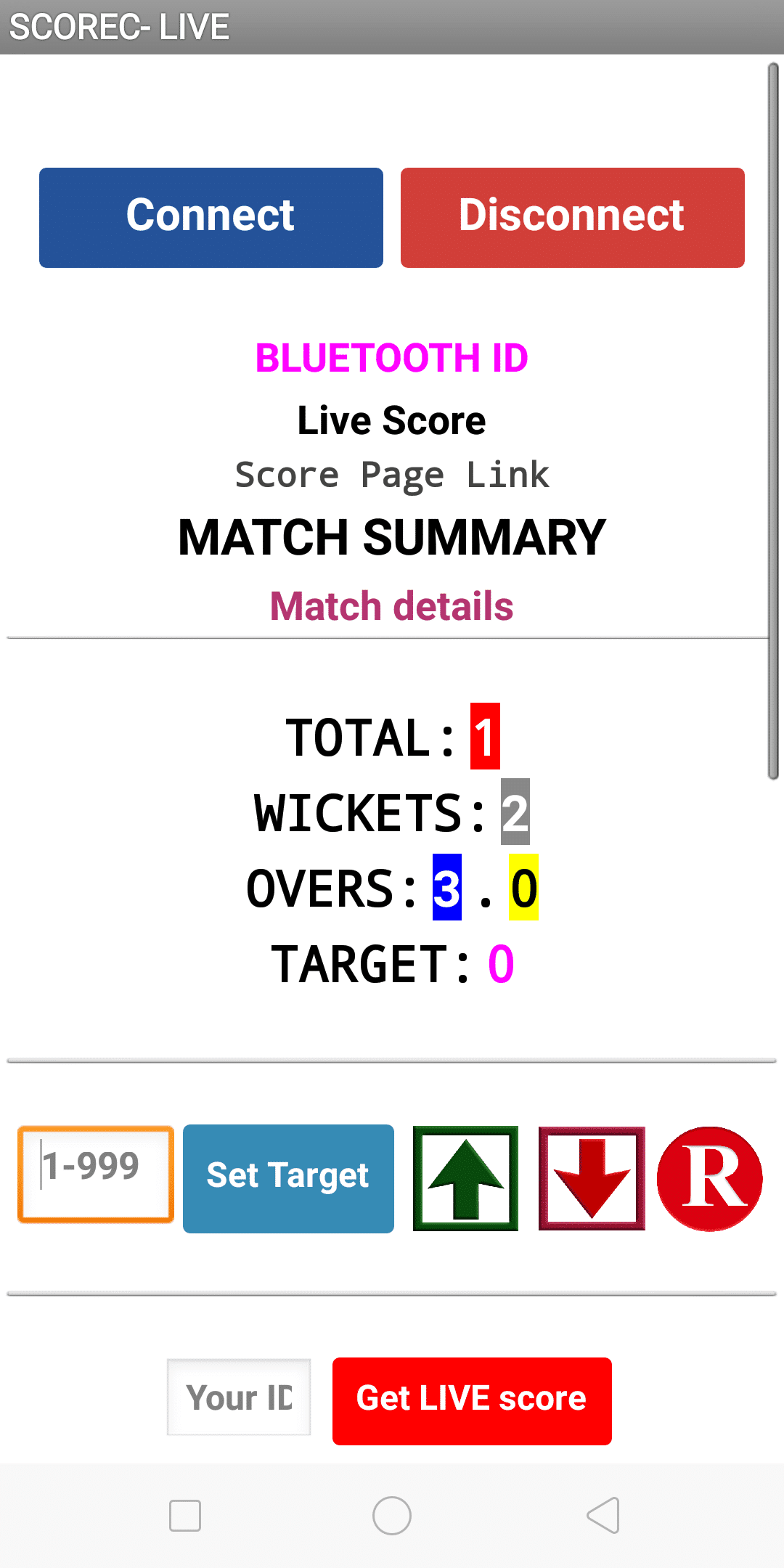
Close the app and open it again and enter the MATCH ID and connect.
Categories:

Tags:

2 responses to “How to troubleshoot Scoreduino Cricket Scoreboard”

  1. yola247 Avatar

    Stumbled across yola247. Seems to have a good selection of stuff. Will keep exploring and see what I find. Worth a browse, maybe!

  2. ck999login Avatar

    CK999login is my go-to! Super simple login process and I’ve never had any issues. If you’re looking for a hassle-free experience, this is it. Give it a shot ck999login

Leave a Reply

Your email address will not be published. Required fields are marked *