ELECTRONICS COMPONENTS · ARDUINO · ESP32 Shop, learn and build
Sydney ScoreTech — Hire Digital Scoreboards in Sydney
Home›Tutorial
MAKER TUTORIAL

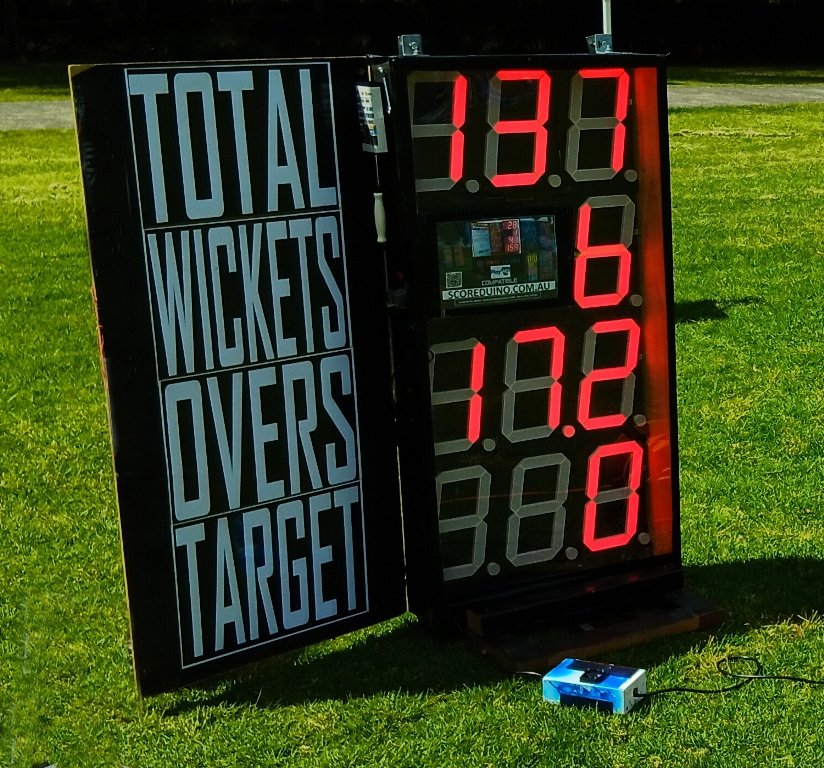
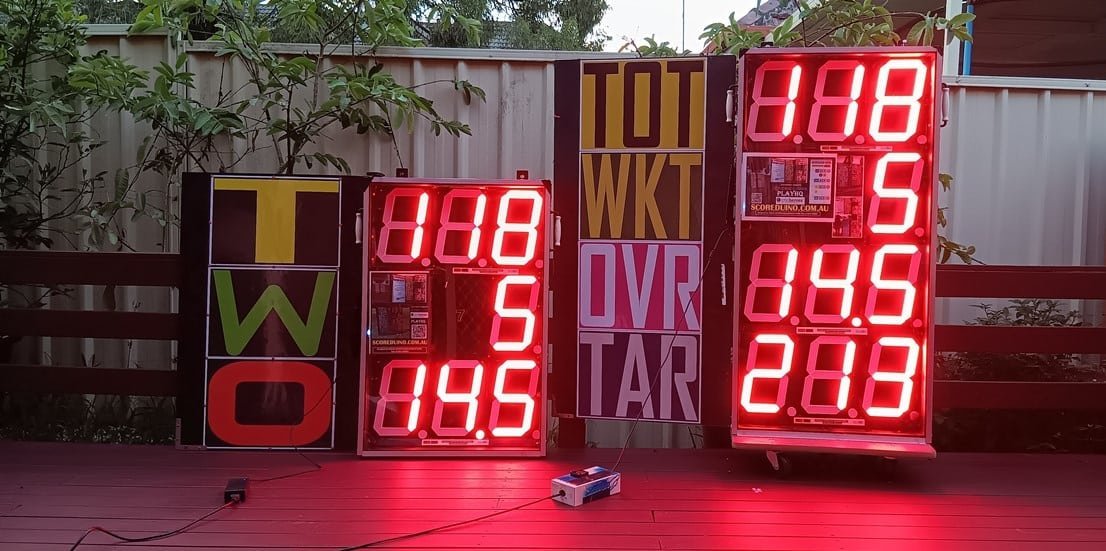
How to troubleshoot Scoreduino Cricket Scoreboard

How to troubleshoot Scoreduino Cricket Scoreboard

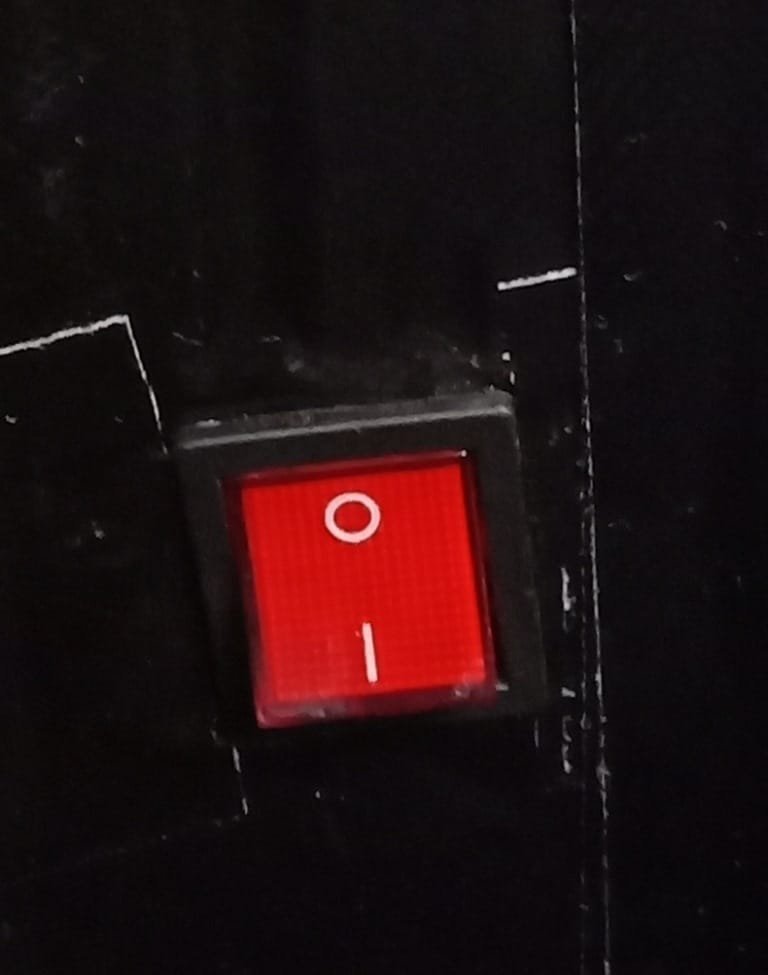
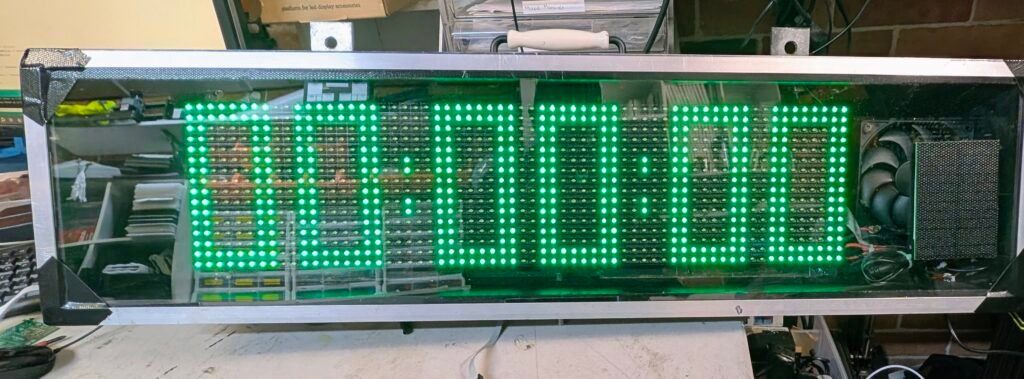
Turn off the Scoreboard and turn it back again.
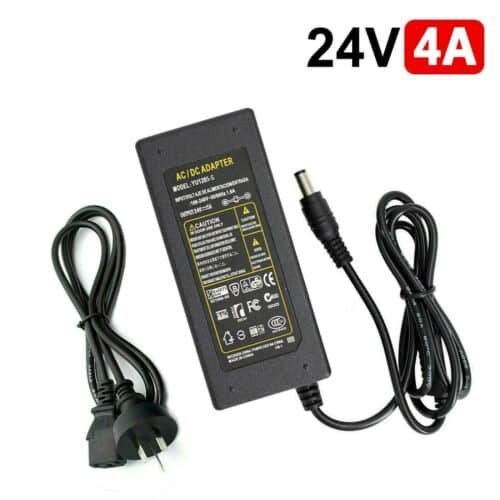
REPLACE THE POWER ADAPTER. It should be replaced after each inning. Each club gets 2 sets of power supply adapters.
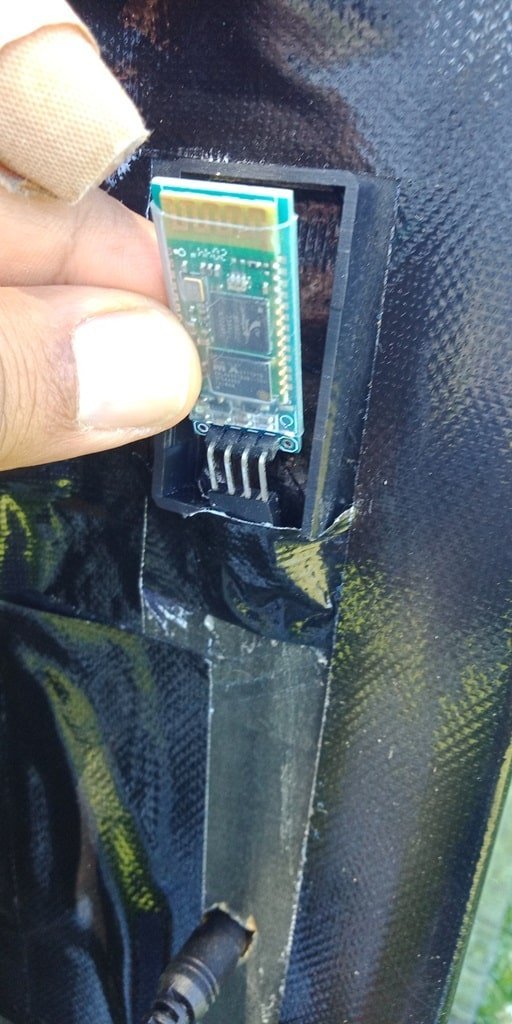
CHECK THE BLUETOOTH MODULE. If the RED LED is not flashing, you NEED TO REPLACE IT. After replacing the Bluetooth module, YOU NEED TO PAIR IT AGAIN.
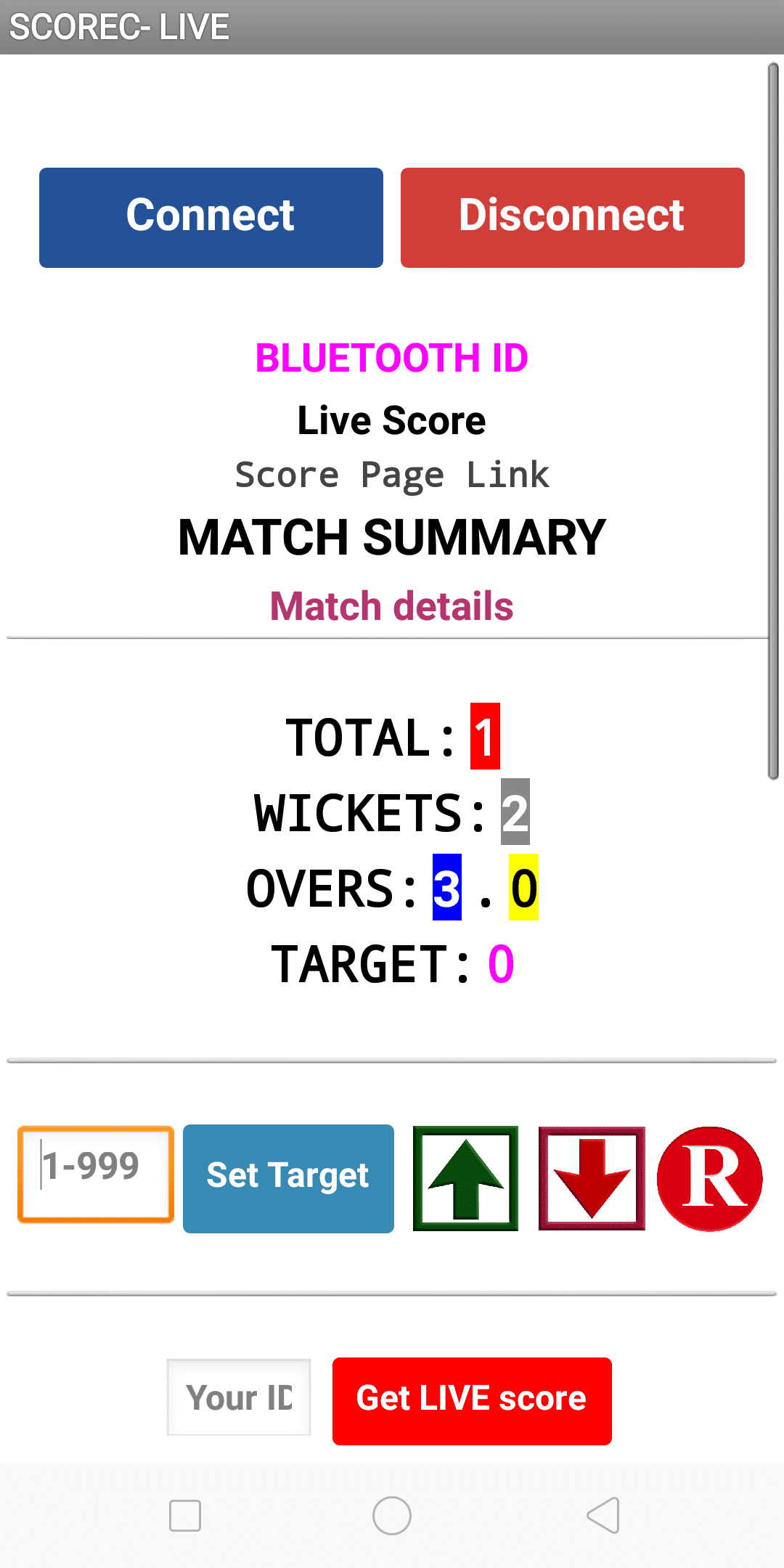
Close the app and open it again and enter the MATCH ID and connect.
Keep making.

Explore more circuits, Arduino projects and practical electronics tutorials.

Discover more tutorials →
WHAT'S NEXT?

Keep exploring

More tutorials →