How to pair Bluetooth module

On

Step 1: Go to your phone settings and turn on the Bluetooth.
Step 2: Turn on the scoreboard and make sure the Bluetooth module’s LED is flashing.
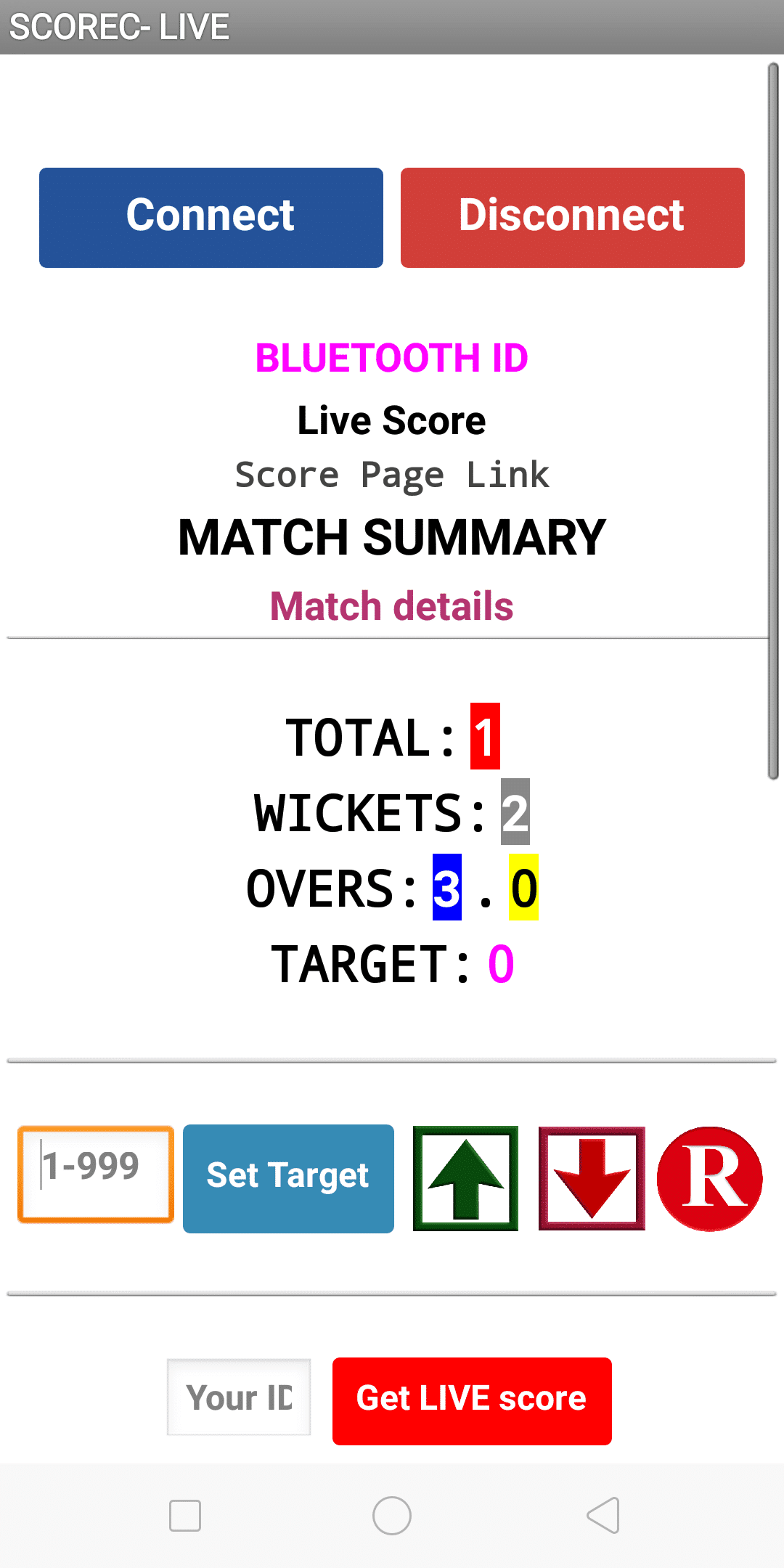
Step 3: On the Bluetooth settings page, search Bluetooth with the name ‘SCOREDUINO’ and pair it up using code: 1234.
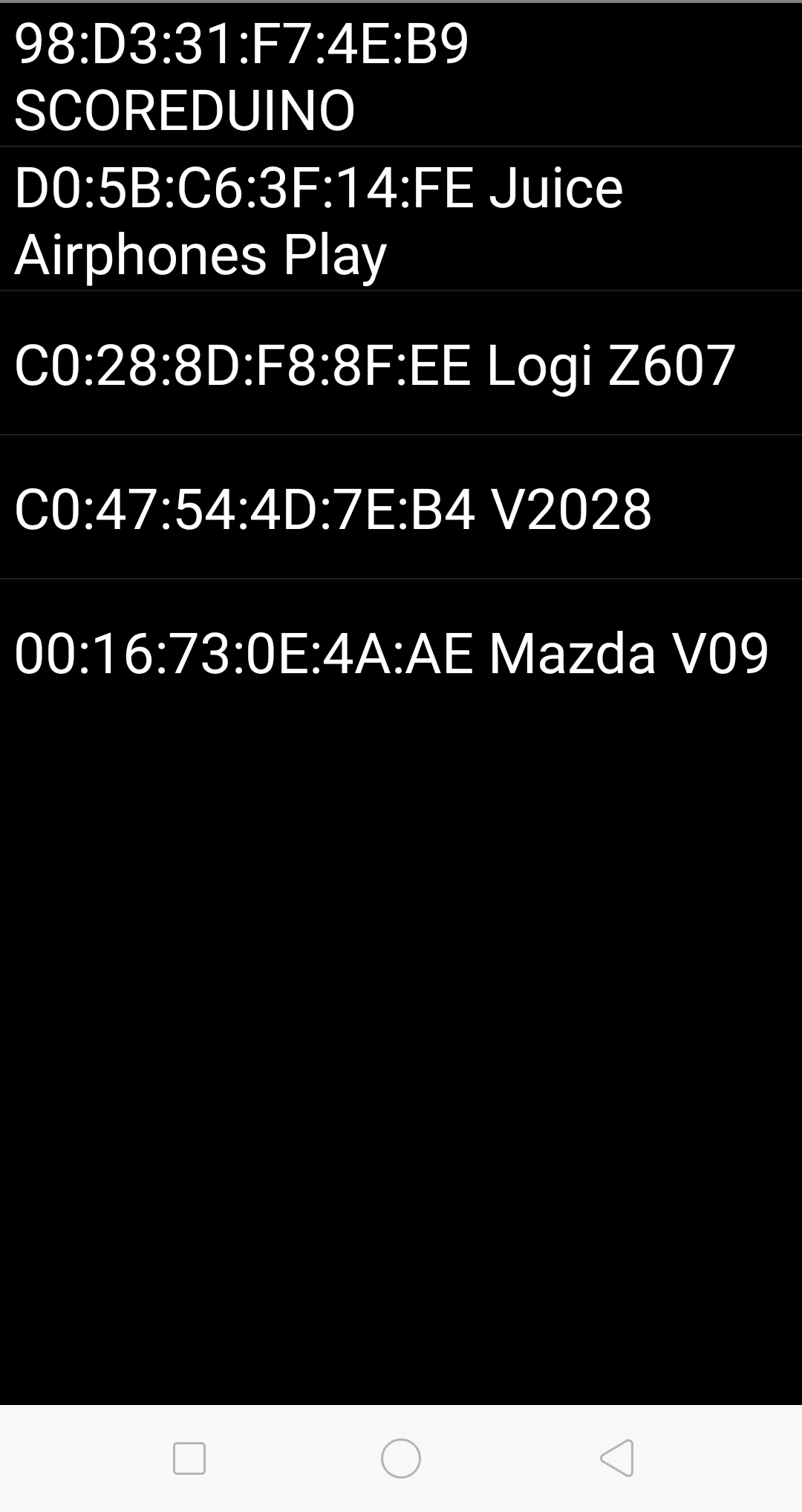
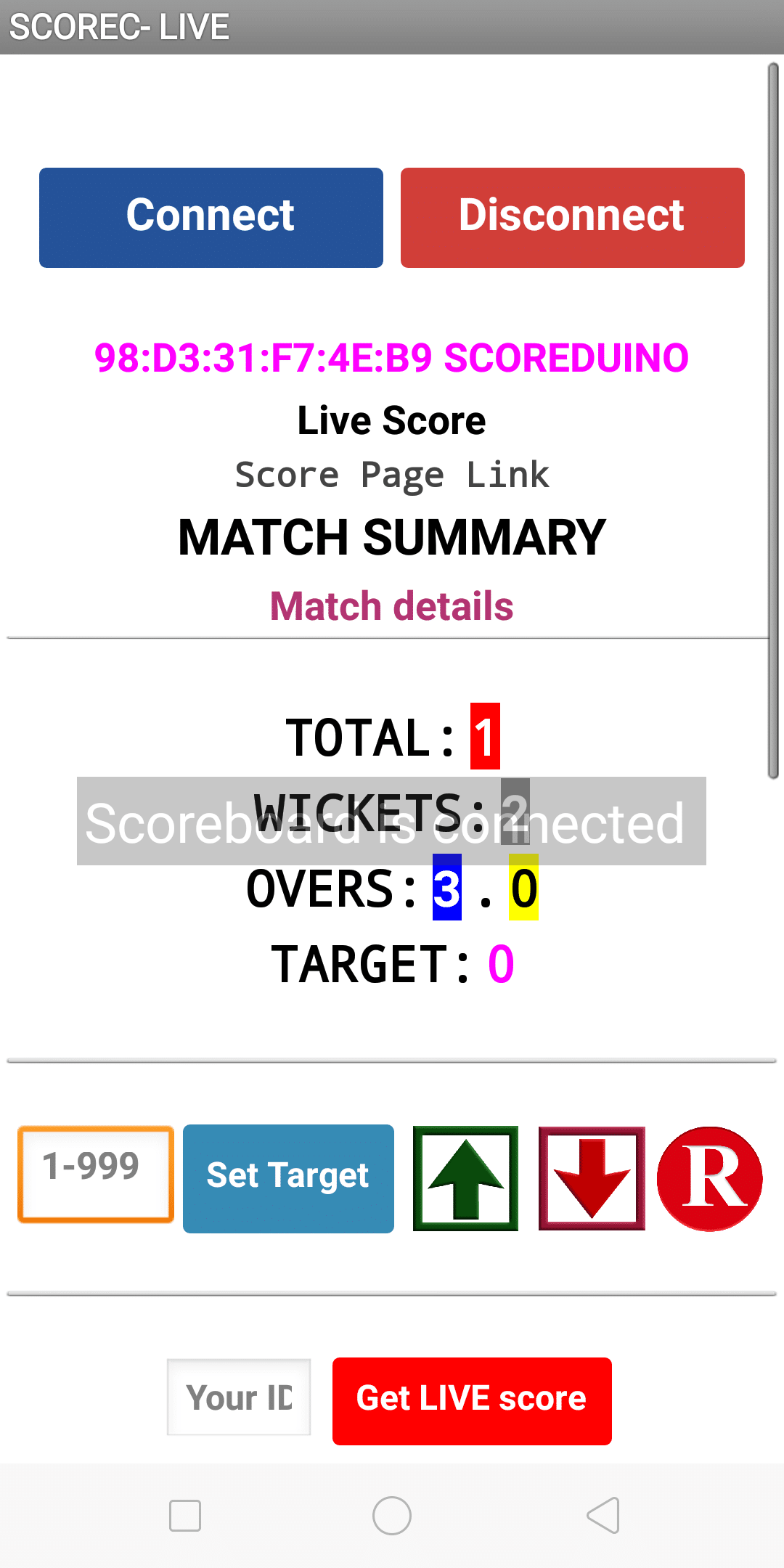
Step 4: Open the app and press CONNECT. Find SCOREDUINO and select it. You will immediately hear ‘SCOREBOARD IS CONNECTED’. Then you can use the scoreboard.
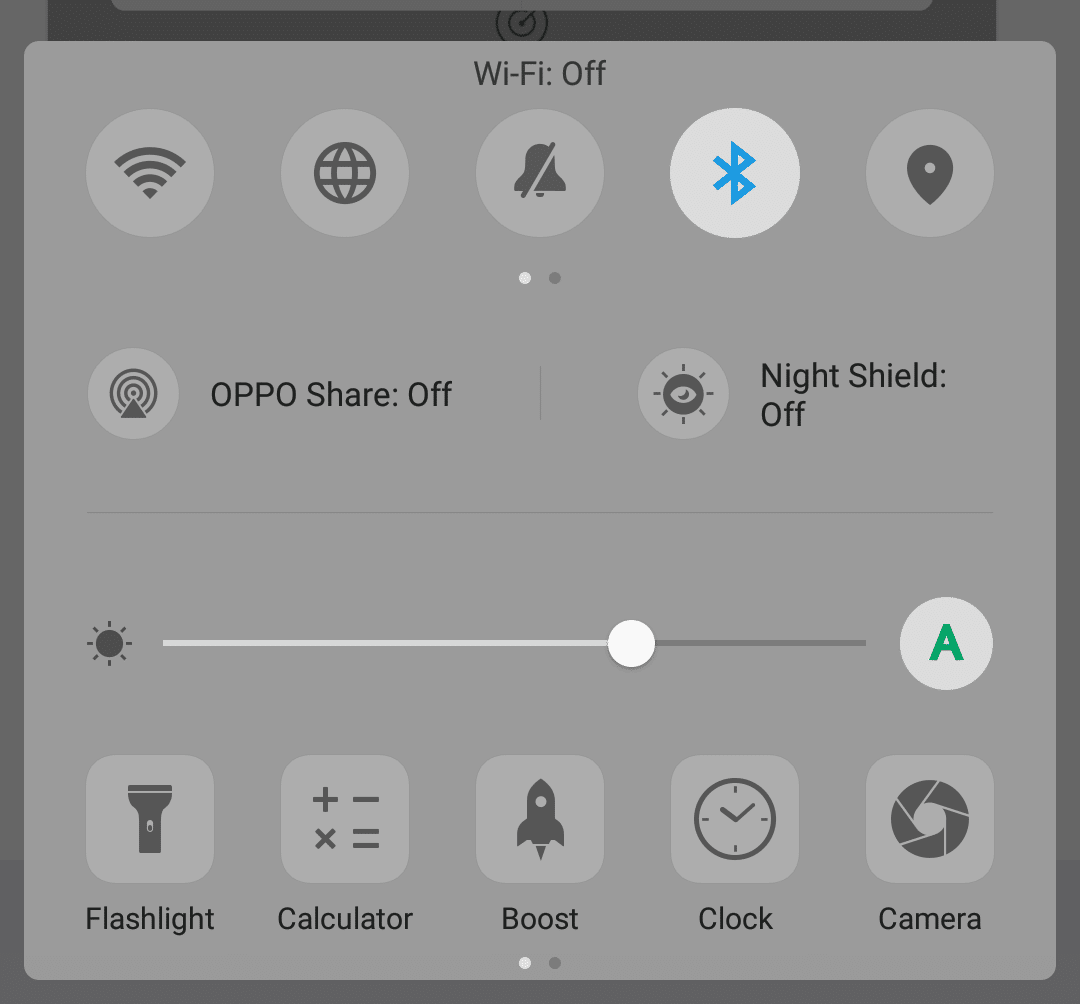
Turn on Bluetooth of your phone
Go to Bluetooth Setting and search for SCOREDUINO


After you find SCOREDUINO, select it and pair it using code 1234
Then you will see SCOREUINO in the PAIRED DEVICES list
Go to your app and press CONNECT button
Select SCOREDUINO from the list of Bluetooth devices
After you select SCOREDUINO, you will see the Bluetooth ID on the main screen and you will hear the sound ‘SCOREBOARD IS CONNECTED’


Categories:

Tags:

2 responses to “How to pair Bluetooth module”

  1. swete99 Avatar

    Been playing on swete99 for a while now. Not bad, not bad at all! Good selection of games and the site’s pretty responsive. Check it out when you get a chance! More details here: swete99

  2. 8kbetxn User Avatar

    I’ve had a good experience with 8kbetxn. They seem to have some decent offers and the site is easy to use. Definitely one to check out!

Leave a Reply

Your email address will not be published. Required fields are marked *