
How to use the Cricket Scoreboard with 10 inches displays

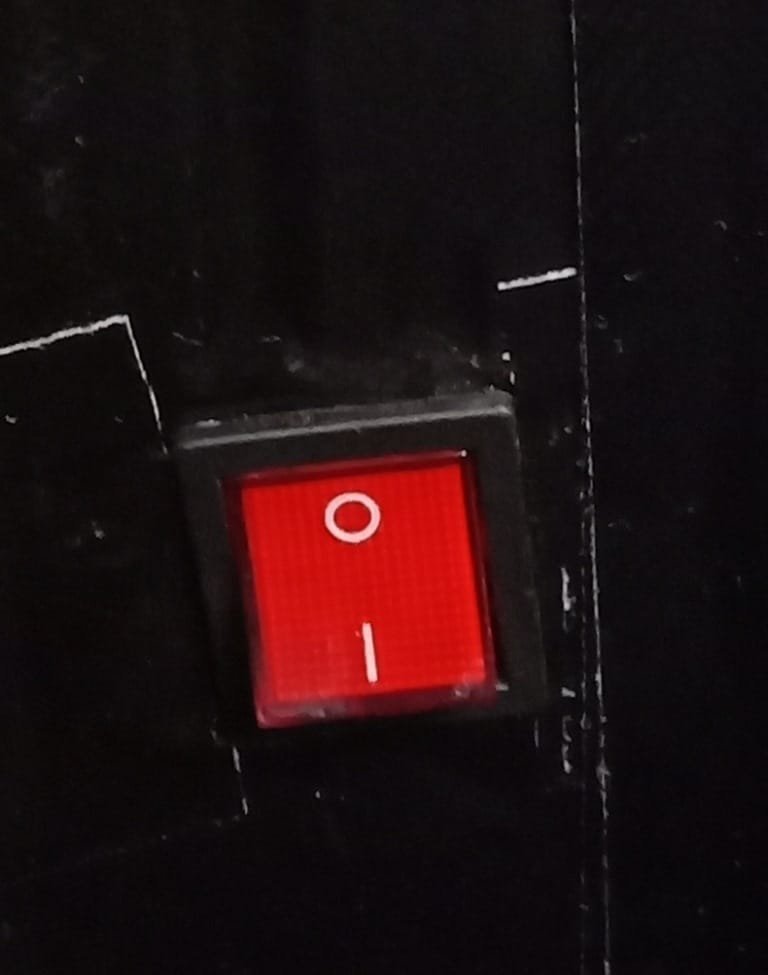
On

STEP 1: TURN ON THE SCOREBOARD
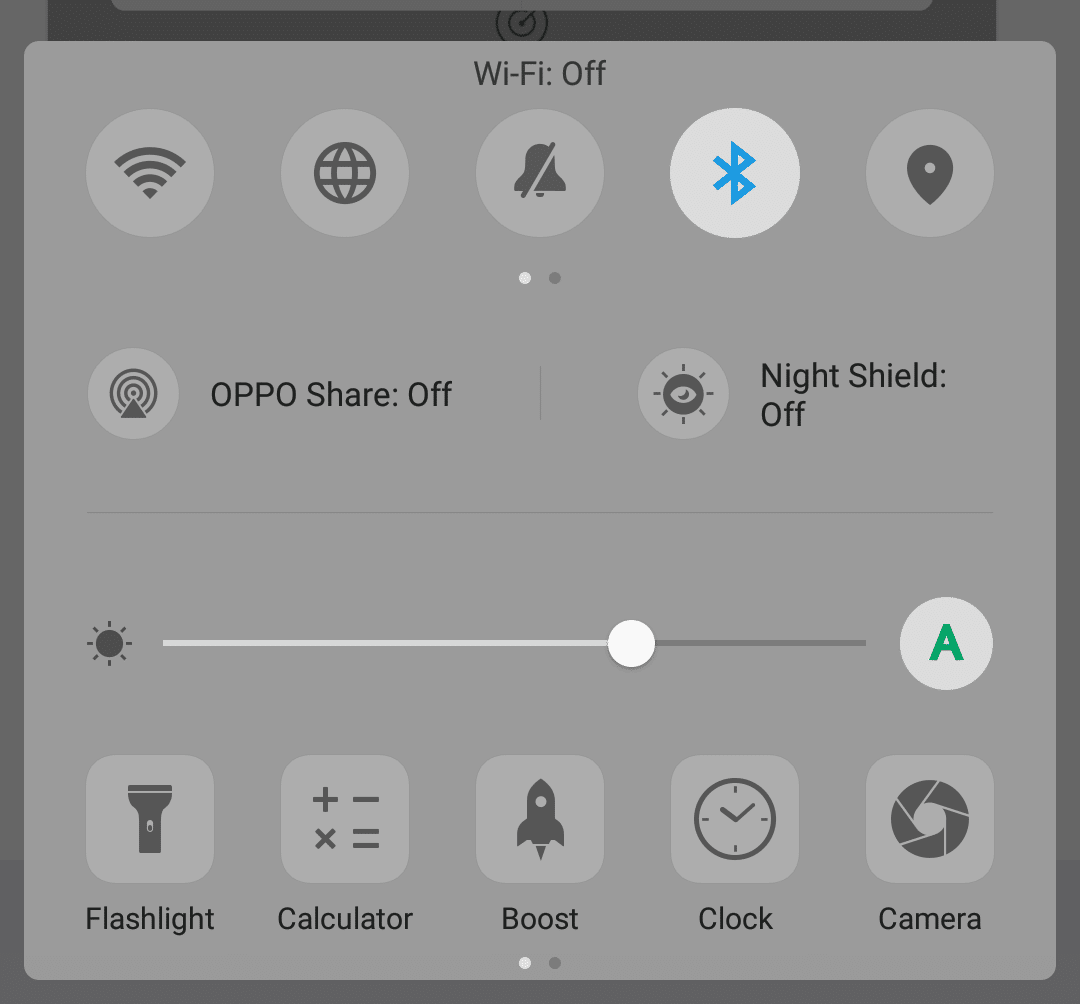
STEP 2: PAIR THE PHONE’S BLUETOOTH TO SCOREBOARD’S BLUETOOTH. PAIR CODE: 1234
STEP 3: OPEN THE SCORE-C LIVE OR SCOREDUINO CONTROLLER APP.
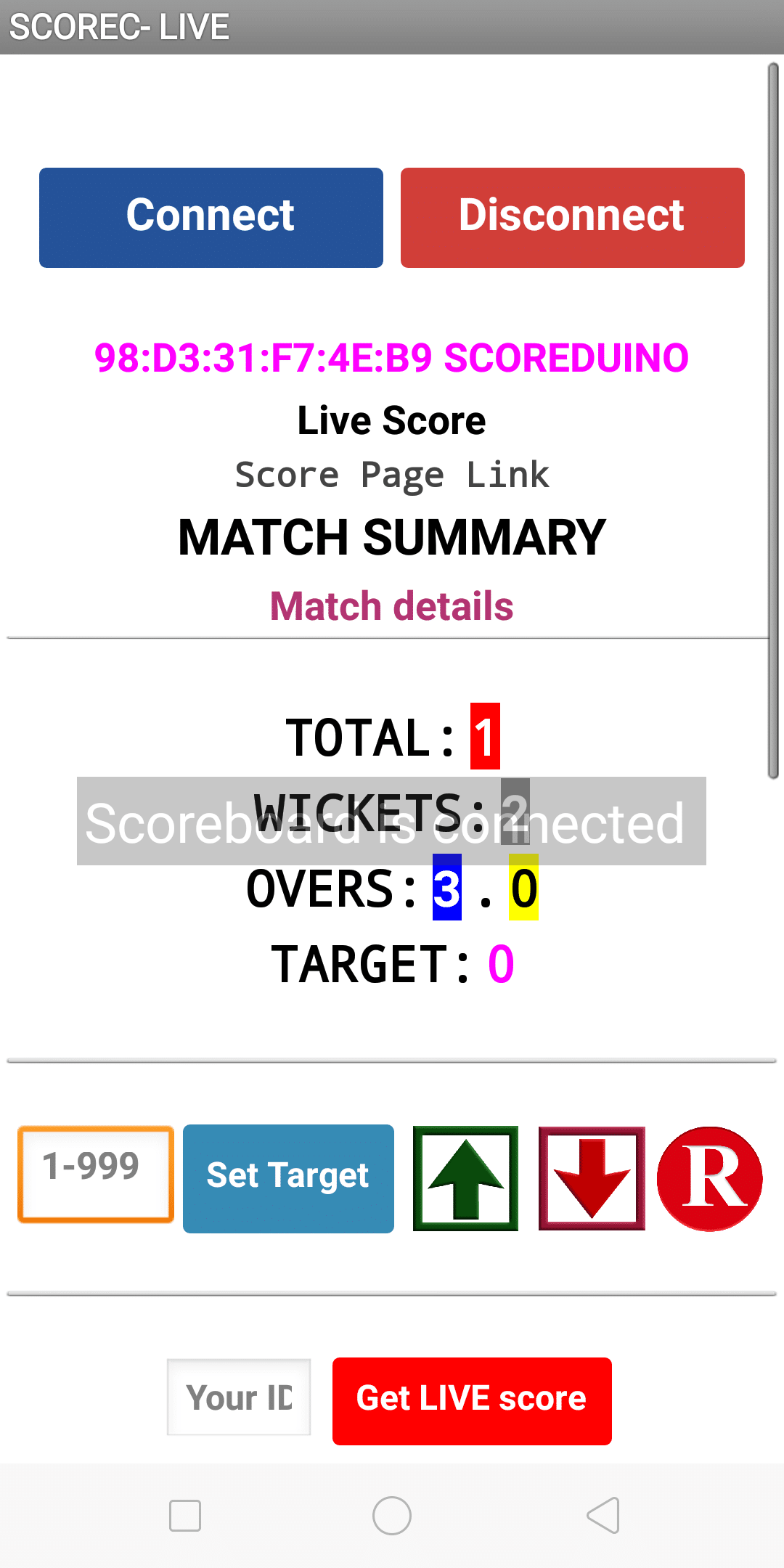
 

Automatic LIVE score display app for cricclubs and playhq matches
App for updating the scores manually


STEP4: PRESS CONNECT BUTTON AND CONNECT TO ‘SCOREDUINO’.

STEP 5: ENTER YOUR MATCH ID AND PRESS ‘Get LIVE Score’. FOR SCORE-C LIVE, THE LIVE SCORE WILL APPEAR AS SOON AS THE ID IS ENTERED. FOR MANUAL, YOU NEED TO OPERATE MANUALLY.
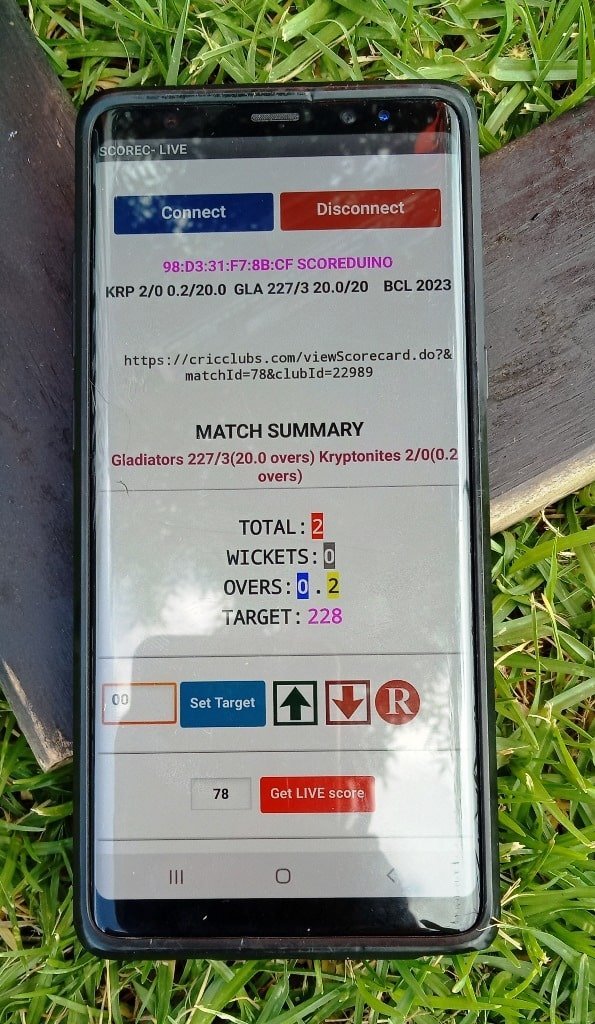
Manual mode

Automatic mode:

Categories:

Tags:

2 responses to “How to use the Cricket Scoreboard with 10 inches displays”

  1. lottofy Avatar

    Lottofy, eh? Always on the lookout for a new lottery site. Looks pretty slick at first glance. Fingers crossed for that big win! Definitely giving lottofy a try. Wish me luck!

  2. luckyi8game Avatar

    Hey everyone, thought I’d share that luckyi8game has been keeping me entertained. It’s got a simple setup and some fun games to grind on. Check out luckyi8game and see for yourself.

Leave a Reply

Your email address will not be published. Required fields are marked *