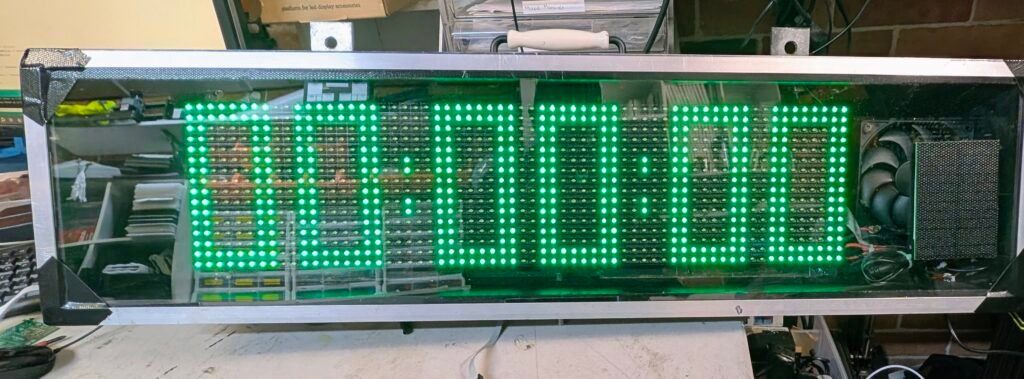
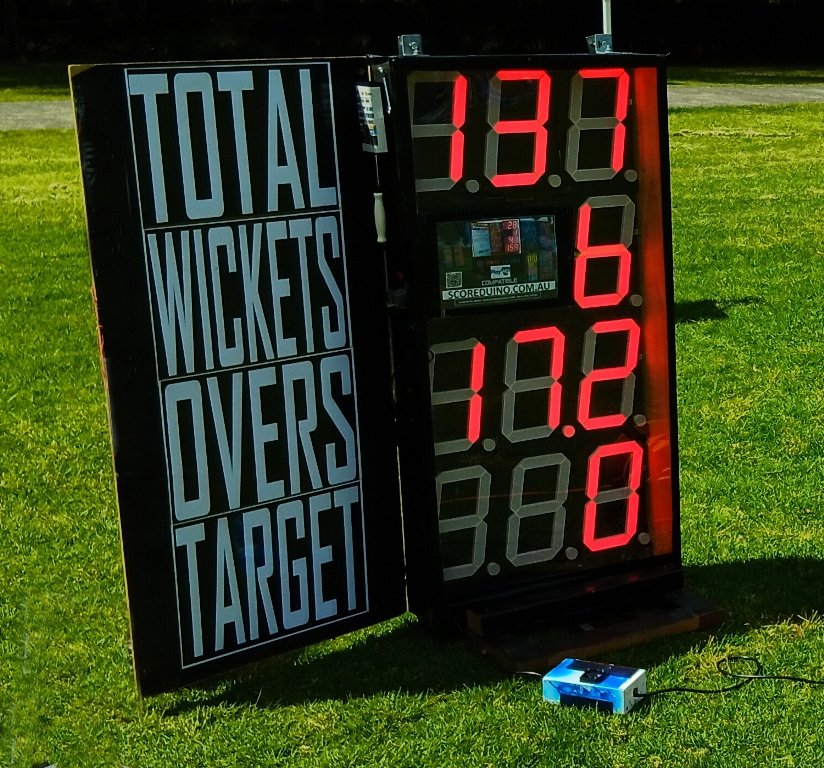
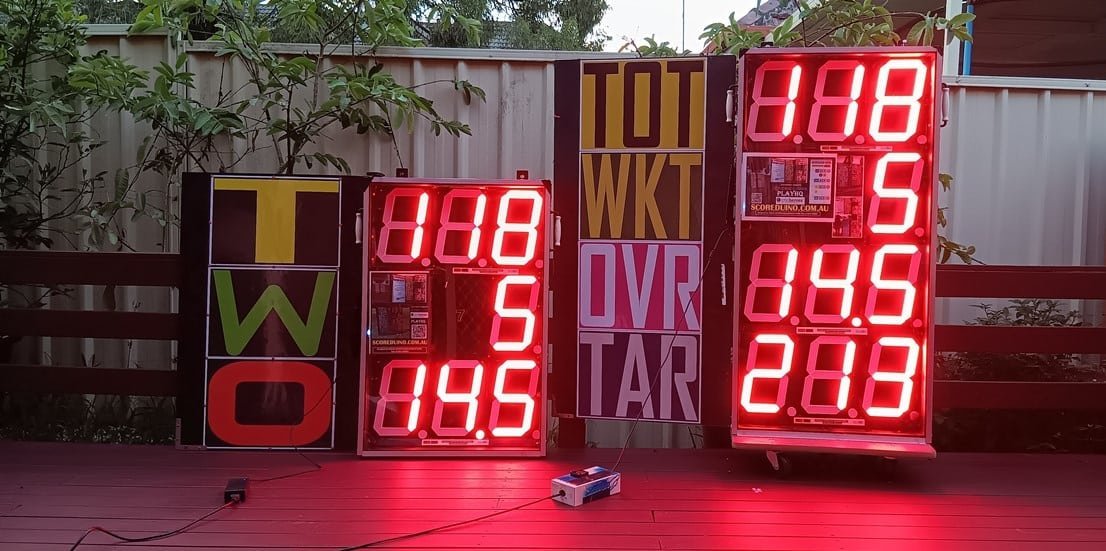
STEP 1: TURN ON THE SCOREBOARD
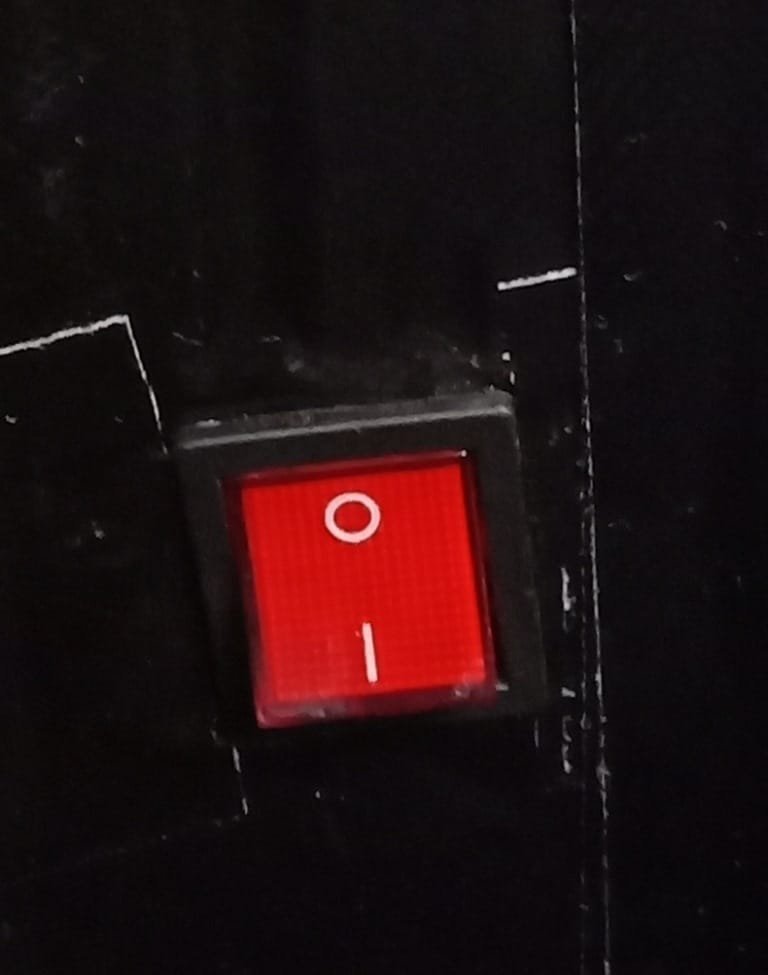
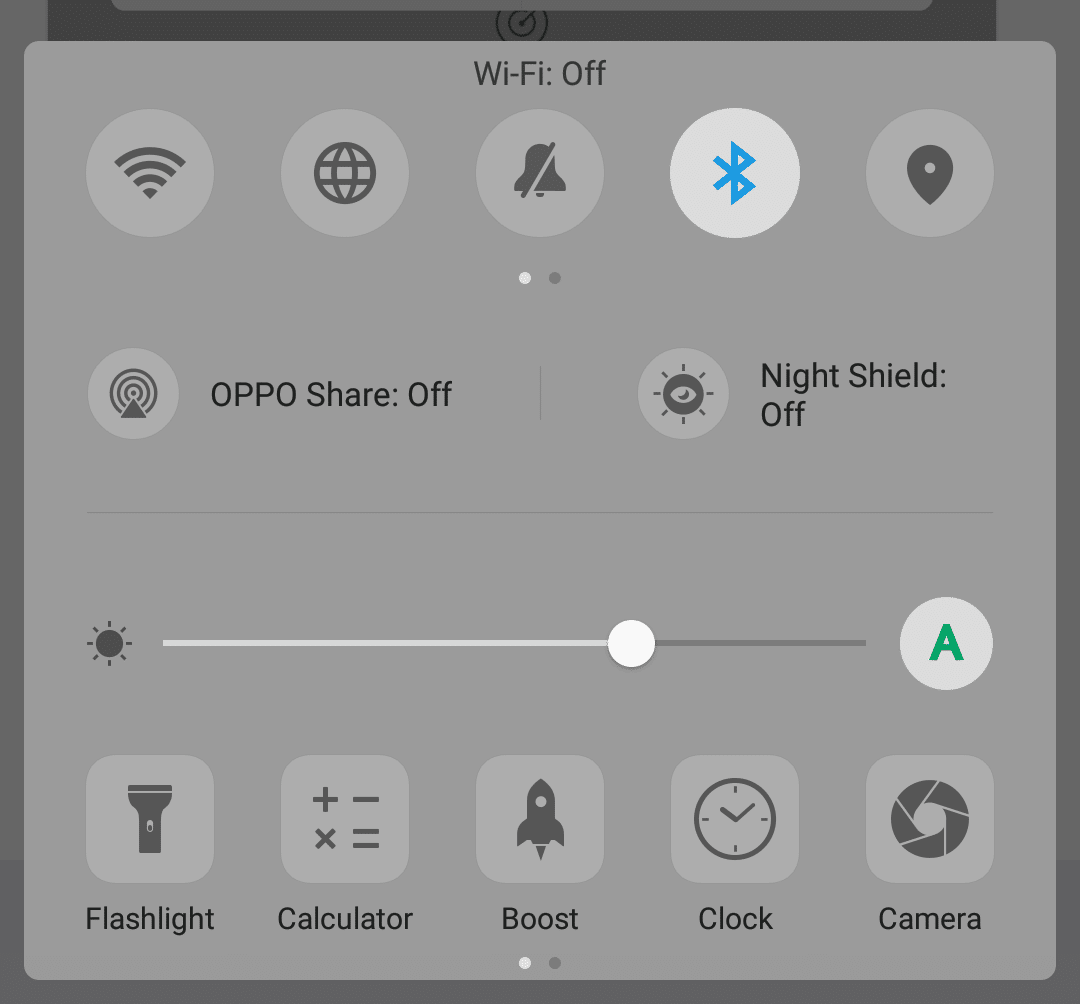
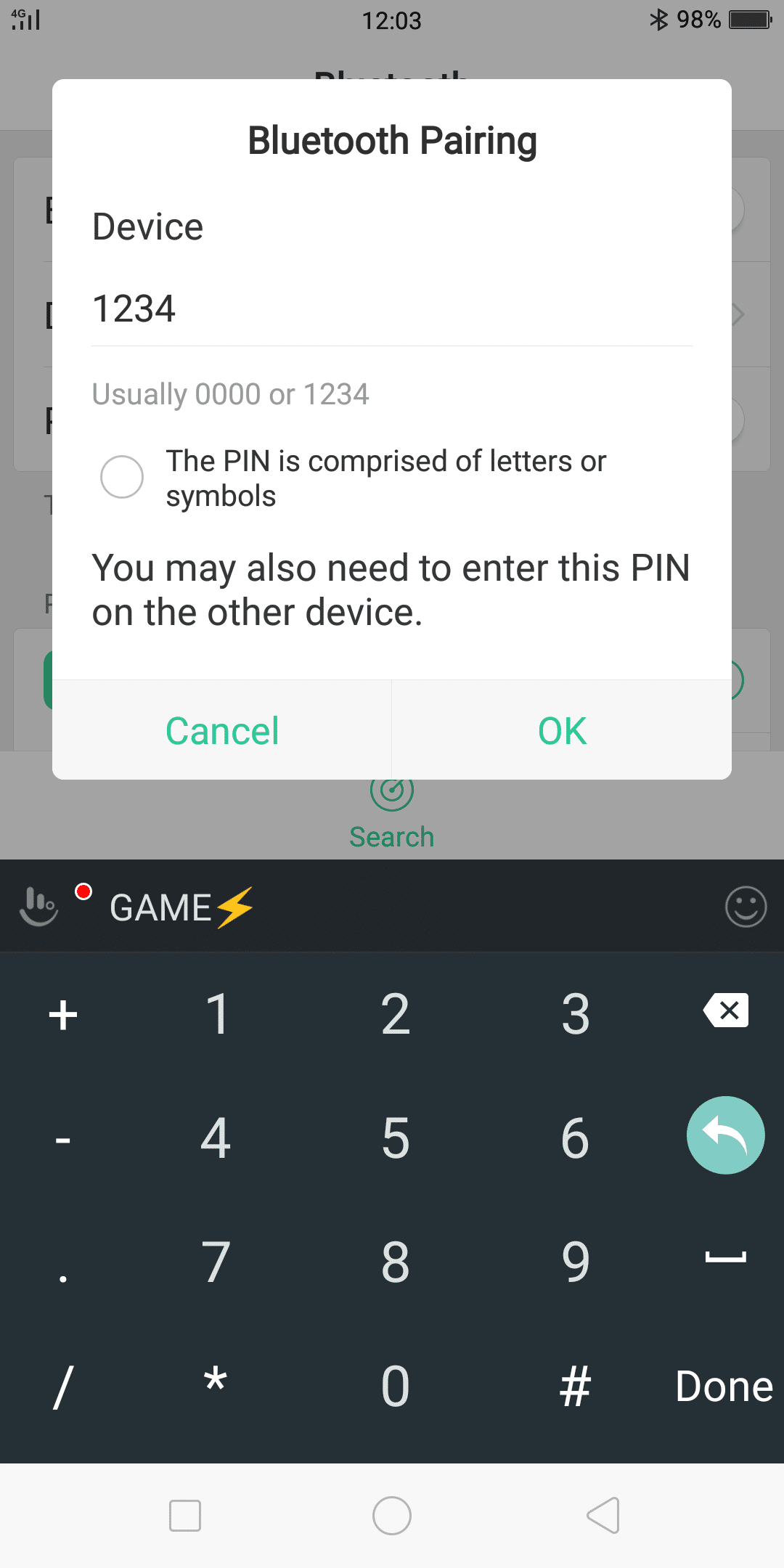
STEP 2: PAIR THE PHONE'S BLUETOOTH TO SCOREBOARD'S BLUETOOTH. PAIR CODE: 1234
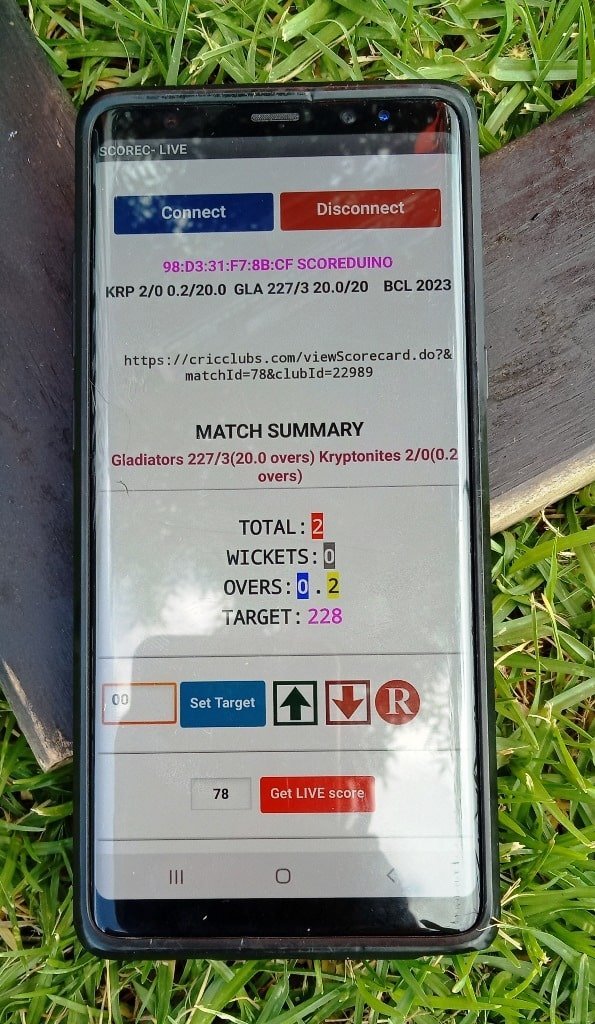
STEP 3: OPEN THE SCORE-C LIVE OR SCOREDUINO CONTROLLER APP.
[caption id="attachment_12907" align="alignnone" width="270"]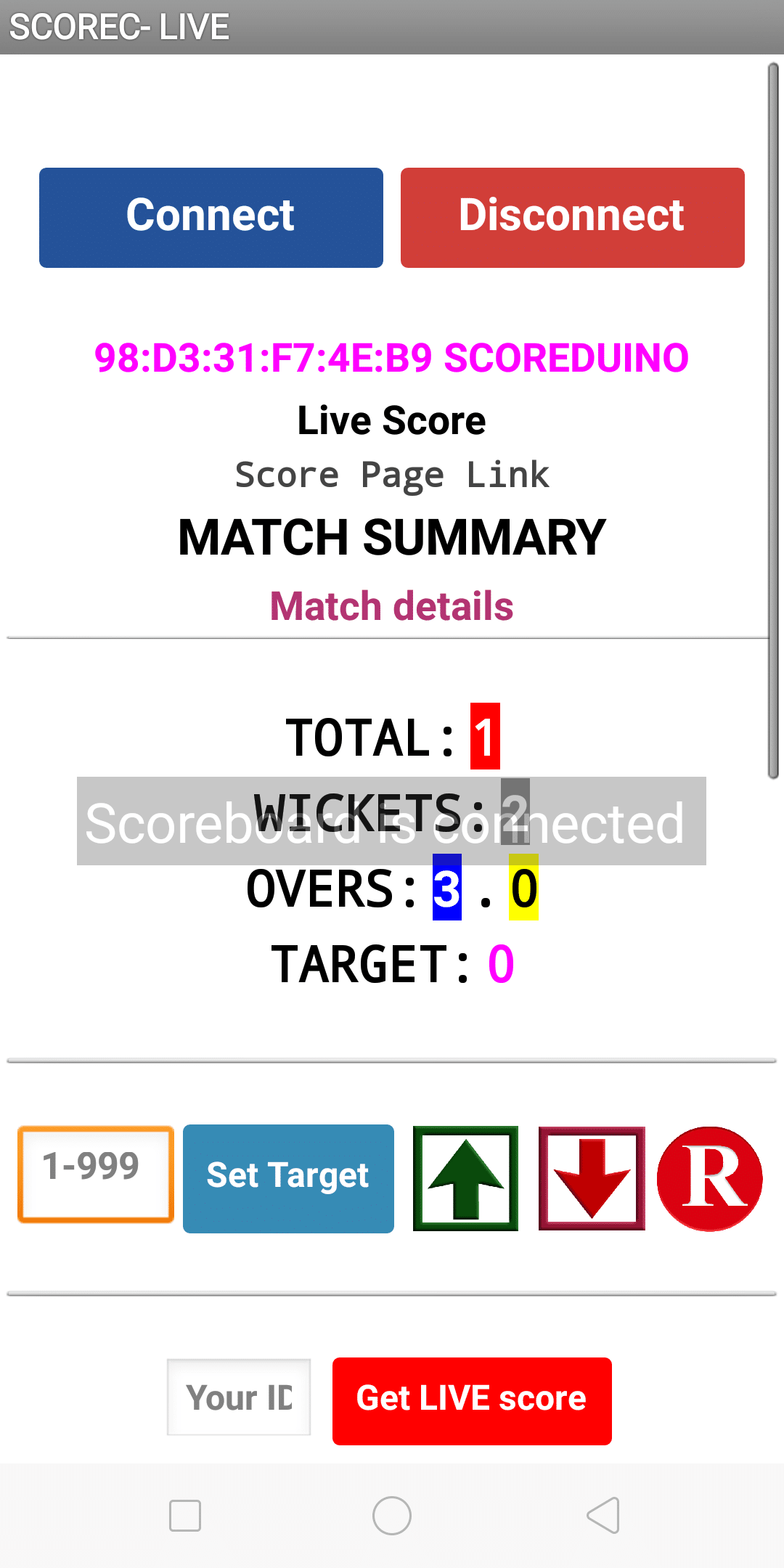 Automatic LIVE score display app for cricclubs and playhq matches[/caption]
[caption id="attachment_12764" align="alignnone" width="325"]
Automatic LIVE score display app for cricclubs and playhq matches[/caption]
[caption id="attachment_12764" align="alignnone" width="325"]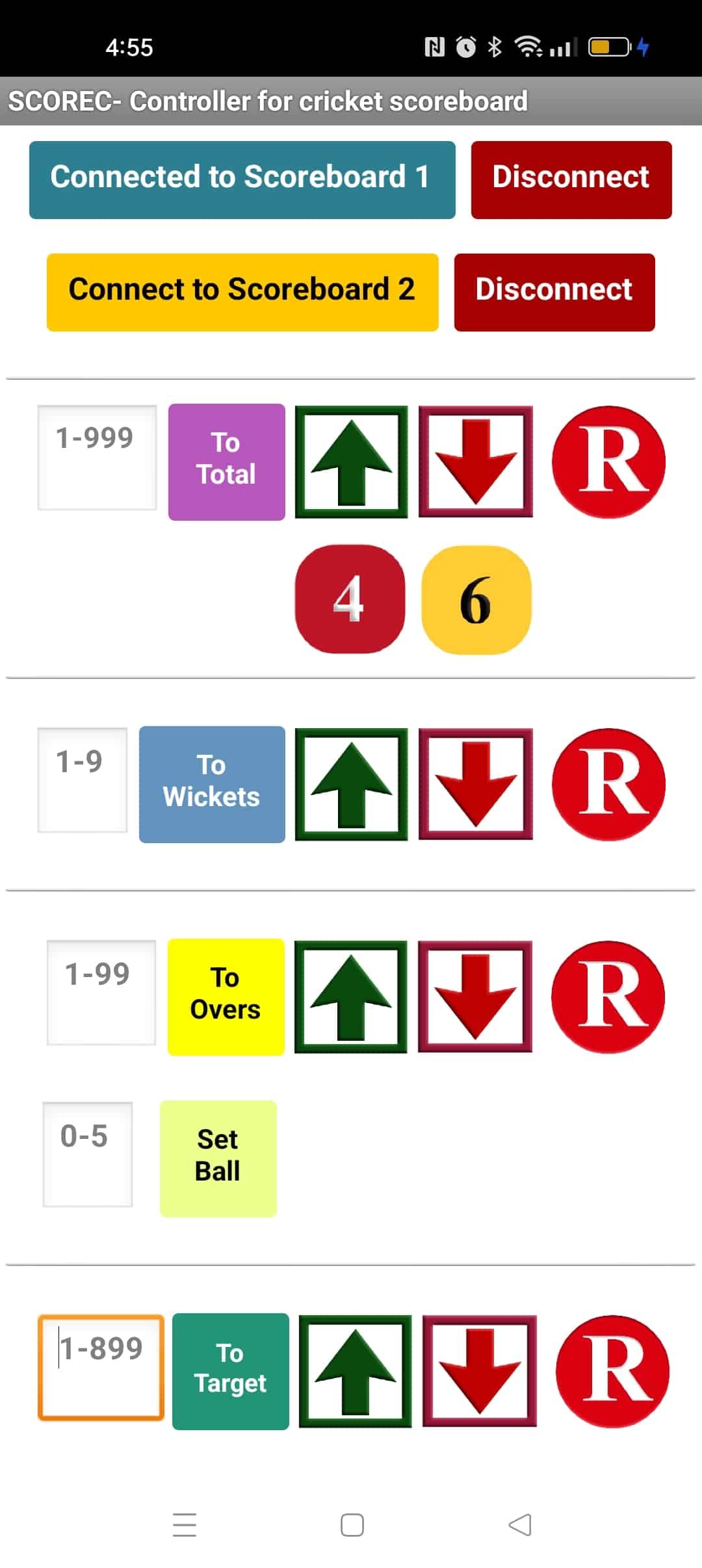 App for updating the scores manually[/caption]
STEP4: PRESS CONNECT BUTTON AND CONNECT TO 'SCOREDUINO'.
STEP 5: ENTER YOUR MATCH ID AND PRESS 'Get LIVE Score'. FOR SCORE-C LIVE, THE LIVE SCORE WILL APPEAR AS SOON AS THE ID IS ENTERED. FOR MANUAL, YOU NEED TO OPERATE MANUALLY.
 Manual mode
Automatic mode:
Manual mode
Automatic mode: